

Add the charities you already support to a Legacy portfolio and set one monthly budget. Then cancel the separate Direct Debits with your bank and let each charity know. From then on, your amounts, Gift Aid, giving history and yearly tax report all live in the app. Here's how to cancel a charity Direct Debit.
Manage your charity donations Your giving. Under control.
Regular giving tends to spread out: a Direct Debit for each charity, a Gift Aid declaration with each one, receipts across your inbox.
Legacy brings it into one app. Change an amount, pause, add a charity or check what you've given this year, in a few taps.
Get Legacy
From £10 a month. Pause or update anytime.
The old way
Every charity, its own set of admin
Charities make regular giving easy to start, and their supporter teams will change it when you ask. But each one runs its own Direct Debit, Gift Aid declaration and records, so supporting five charities means asking five times.
Changing an amount
- Charity by charity
- Get in touch with each charity's supporter team
- With Legacy
- Change it in the app, from your next donation
Taking a break
- Charity by charity
- Cancel each Direct Debit, then set them up again later
- With Legacy
- Pause, skip a month or resume with one tap
Adding a charity
- Charity by charity
- A new form and a new Direct Debit
- With Legacy
- Add it to your portfolio
Payment dates
- Charity by charity
- One per charity, spread across the month
- With Legacy
- One Direct Debit, on the day that suits you
Gift Aid
- Charity by charity
- A declaration with each charity, each to update if your tax changes
- With Legacy
- One declaration, kept in the app
Your records
- Charity by charity
- Bank statements, plus receipts in your inbox
- With Legacy
- One giving history and a yearly tax report
In the app
Manage every donation from one place
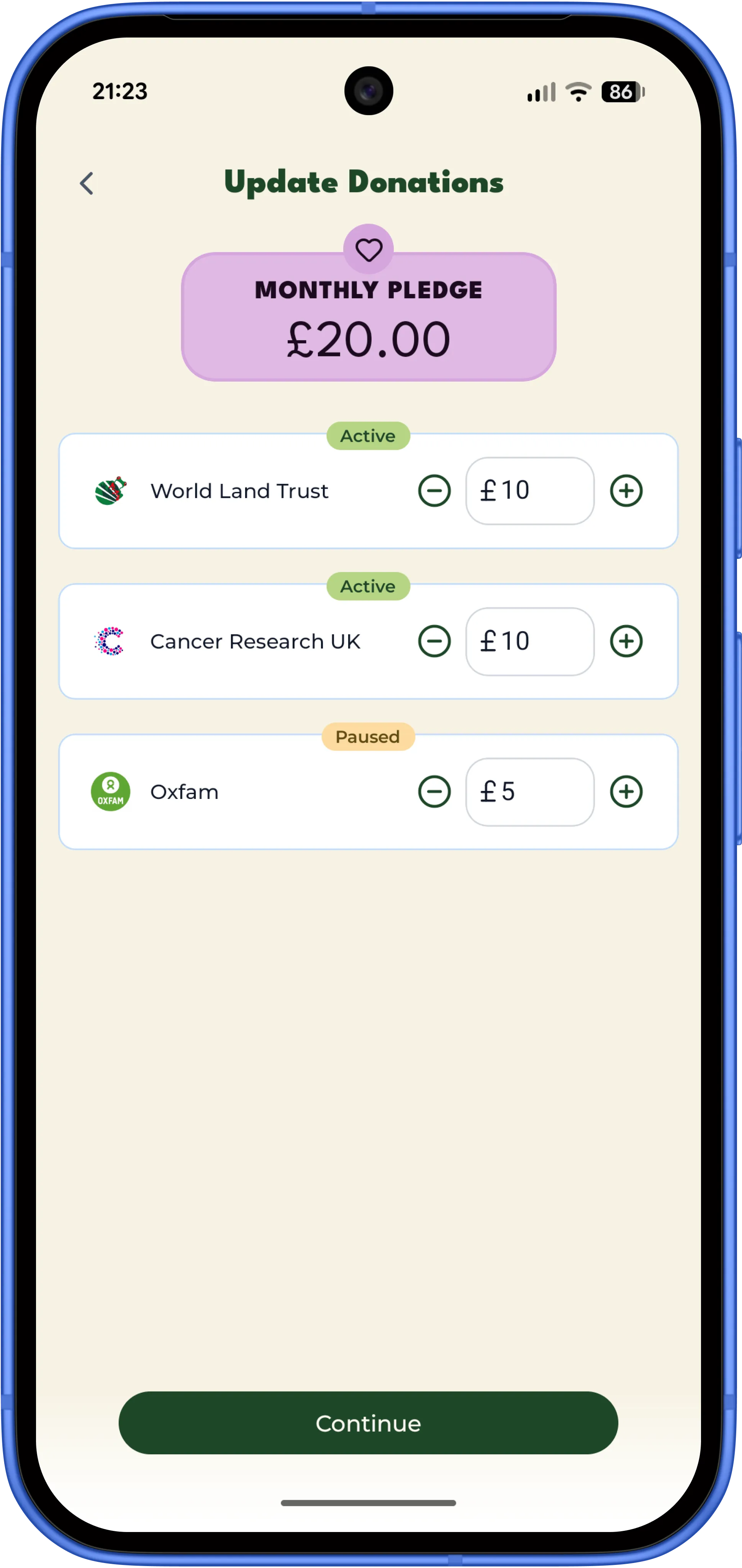
Change amounts anytime
Give each charity an amount in pounds and change it whenever you like. Your monthly budget updates to match, from your next donation.
Pause without cancelling
Pause one charity, or all your giving, and resume when you're ready. Nothing to set up again, and no questions asked.
Add or remove charities
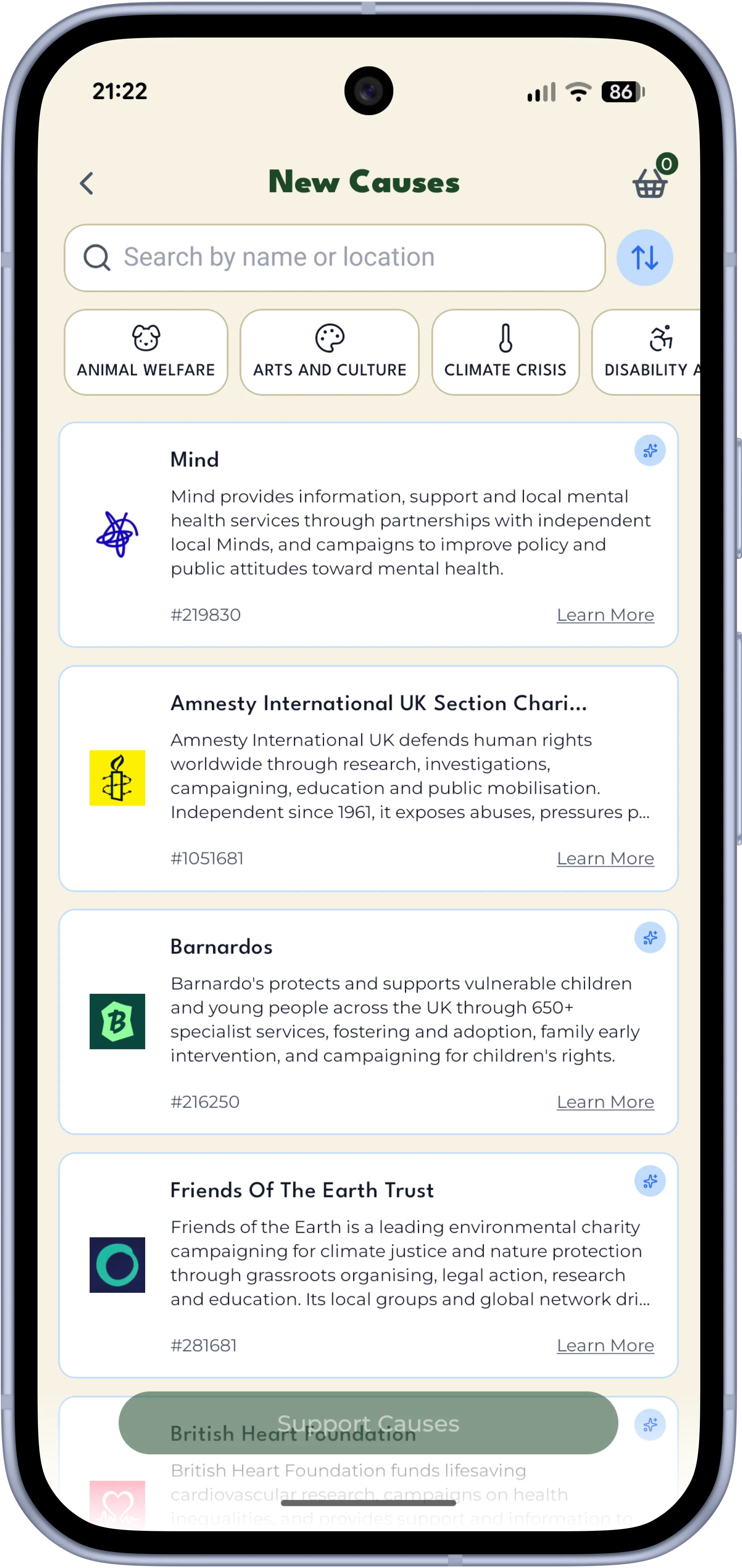
Search 15,000+ UK charities and add as many as you like. Remove one and the rest carry on as before.
One payment day
One Direct Debit, taken on the day that suits you, instead of a payment per charity dotted through the month.
Gift Aid in one place
Switch Gift Aid on once. Charities Trust claims it on every eligible donation, and you update your details in one place if they change.
Every donation on record
See what you gave, to whom and when, and download one yearly report for Self Assessment.
More on tracking your donations
Bring them across
Move your existing donations to one place
Keep any Direct Debits that pay for a membership or a charity lottery: those aren't donations, so they stay as they are.
- 1
Find what you give now
Open the list of Direct Debits and standing orders in your banking app and note each charity and amount.
- 2
Add those charities to Legacy
Add each one to your portfolio with the amount you give now. One monthly budget covers them all.
- 3
Cancel the old payments
Cancel each Direct Debit in your banking app once your Legacy giving has started, and let the charity know.
How to cancel a charity Direct Debit - 4
Switch Gift Aid on once
One declaration in the app covers every eligible donation from then on, for every charity.
FAQ
Managing your donations
All your giving, one place to run it.
Choose your charities, set one monthly budget and split it however you like. Change, pause or add to it whenever you want, all from the app.
From £10 a month. Pause or update anytime.